Plain - Icon Pack5.1.4
Continue to app
Paid Version
Publisher Description
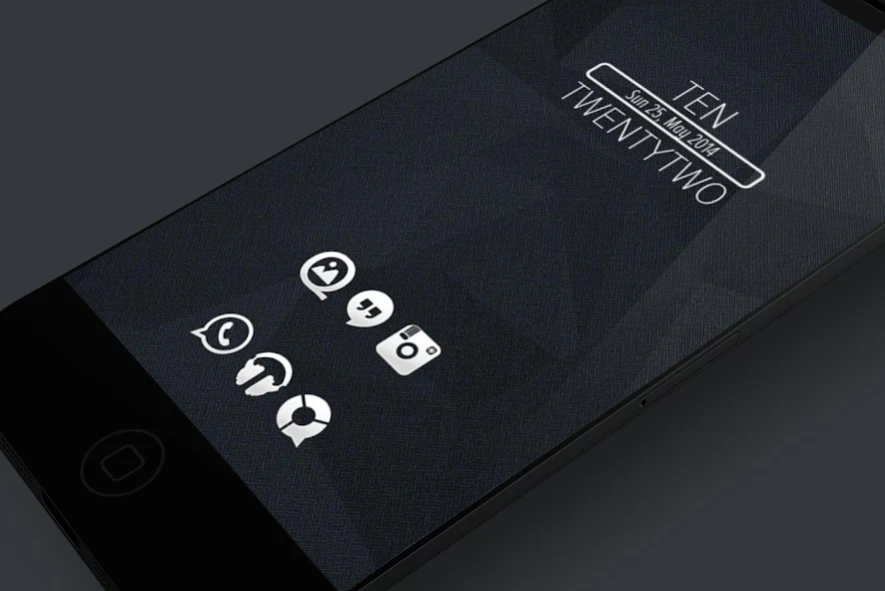
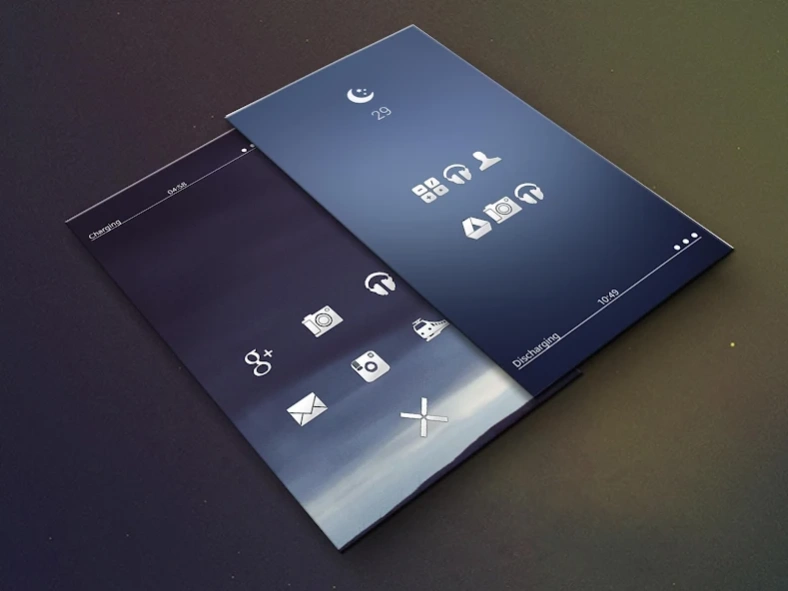
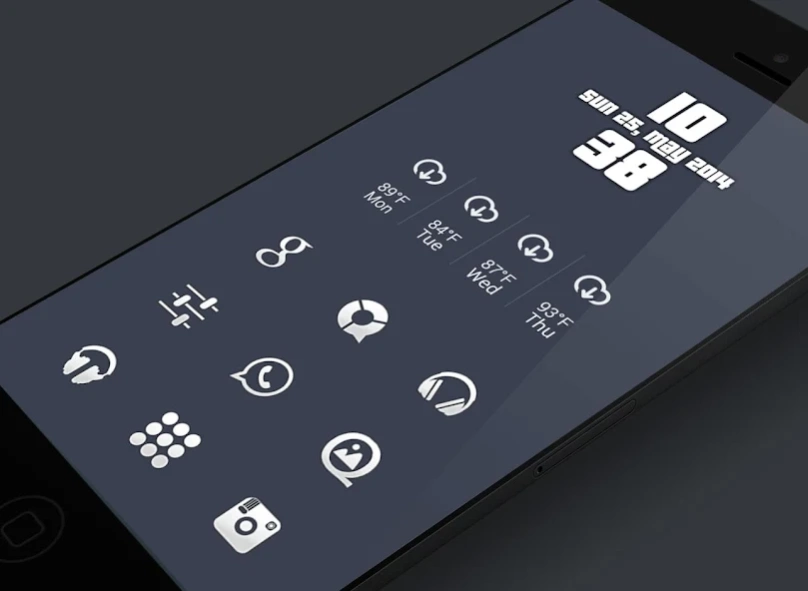
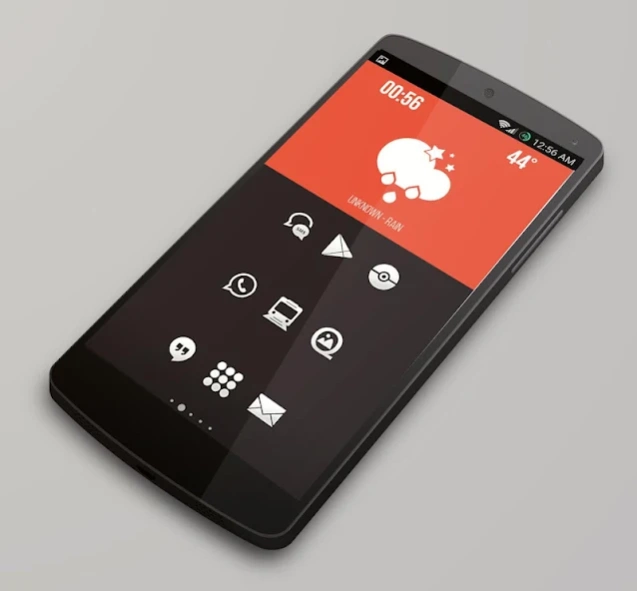
Simple and Clean minimal icon pack.
Hand crafted 144*144 6800+ HD icons. It will give you a minimal looking home screen. I have added some of the best wallpapers and zoopers widgets to go along with these icons.All together it will enhance your mobile experience.
Follow me on twitter for all the news and updates.
https://twitter.com/BinodRay0
Please note this is not a stand alone applications for icons. You need to have Custom launchers installed before you use this icon pack.
🏴
Around 6800+ Icons as of now.
🏴
Around 150+ Dock Icons as of now.
🏴
90 wallpapers as of now.
🏴
50 Zooper widgets as of now.
What's Included
🔸 All the icons are 144*144 .
🔸 Integrated search engine.
🔸 Integrated Arctic Manager icon request.
🔸 License Checker.
🔸 Dynamic Calendars.
🔸 Icon request.
🔸 Material Design Dashboard.
🔸 Muzei support
🏴
HOW TO APPLY ICONS VIA ICON PACK
Open the app after installing
Navigate to "Apply" tab
Select your Launcher
🏴
COMPATIBLE LAUNCHERS
🔸 Nova Launcher
🔸 ADW Launcher
🔸 Yandex Launcher
🔸 Action Launcher
🔸 Apex Launcher
🔸 Atom Launcher
🔸 Aviate Launcher
🔸 Evie Launcher
🔸 Go Launcher
🔸 Holo Launcher
🔸 Inspire Launcher
🔸 KK Launcher
🔸 LG Home
🔸 Lucid Launcher
🔸 Next Launcher
🔸 Nine Launcher
🔸 Solo Launcher
🔸 Smart Launcher
🔸 Themer
🔸 TSF
Special thanks to JAHIR for his wonderful DashBoard
About Plain - Icon Pack
Plain - Icon Pack is a paid app for Android published in the Themes & Wallpaper list of apps, part of Desktop.
The company that develops Plain - Icon Pack is Binod. The latest version released by its developer is 5.1.4.
To install Plain - Icon Pack on your Android device, just click the green Continue To App button above to start the installation process. The app is listed on our website since 2020-01-16 and was downloaded 5 times. We have already checked if the download link is safe, however for your own protection we recommend that you scan the downloaded app with your antivirus. Your antivirus may detect the Plain - Icon Pack as malware as malware if the download link to com.ray.plain.icons.paid is broken.
The company that develops Plain - Icon Pack is Binod. The latest version released by its developer is 5.1.4.
To install Plain - Icon Pack on your Android device, just click the green Continue To App button above to start the installation process. The app is listed on our website since 2020-01-16 and was downloaded 5 times. We have already checked if the download link is safe, however for your own protection we recommend that you scan the downloaded app with your antivirus. Your antivirus may detect the Plain - Icon Pack as malware as malware if the download link to com.ray.plain.icons.paid is broken.
How to install Plain - Icon Pack on your Android device:
- Click on the Continue To App button on our website. This will redirect you to Google Play.
- Once the Plain - Icon Pack is shown in the Google Play listing of your Android device, you can start its download and installation. Tap on the Install button located below the search bar and to the right of the app icon.
- A pop-up window with the permissions required by Plain - Icon Pack will be shown. Click on Accept to continue the process.
- Plain - Icon Pack will be downloaded onto your device, displaying a progress. Once the download completes, the installation will start and you'll get a notification after the installation is finished.
Program Details
System requirements
Operating systems
Android
Download information
File size
N/A
Total downloads
5
Pricing
License model
Paid
Price
Version History
Here you can find the changelog of Plain - Icon Pack since it was posted on our website on 2016-09-19. The latest version is 5.1.4 and it was updated on Soft112 on 13 October, 2026. See below the changes in each version:
version 5.1.4
posted on 2020-01-16
Added 60+ new icons.
Added 60+ new activities.
version 5.1.3
posted on 2019-10-23
Added 50+ new icons.
Added 50+ new activities.
version 5.1.2
posted on 2019-08-29
Added 150+ new icons.
Added 150+ new activities.
version 4.5.0
posted on 2016-05-21
【28th Release V4.4.0】,* Added 26 new icons on request.,* Added 250+ new activities on request.,* Added 20 Zooper Widgets.,* Many New stuff.
